Fix an invoice without starting over
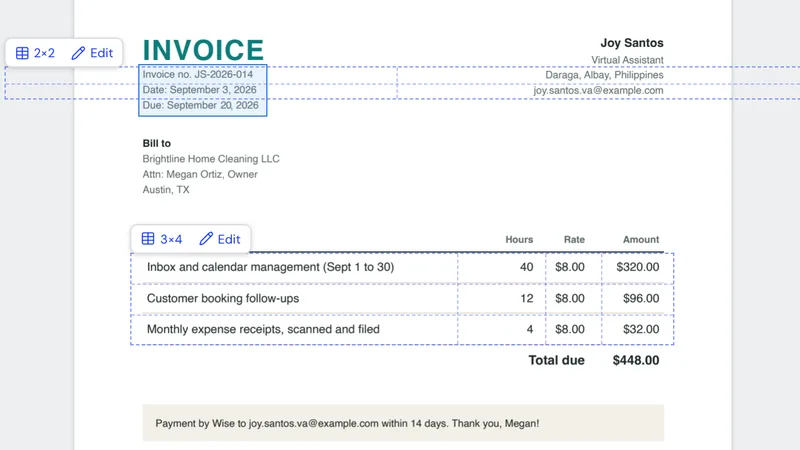
Your client wants the due date moved, or you spotted a typo after you saved the PDF. Click the text, change it, save. Everything else on the page stays where it was.

Free app for Mac and Windows
Every client sends PDFs. Invoices to fix, contracts to sign, receipts to scan, a report to pull together before Friday. You shouldn’t need a monthly subscription for that, and you shouldn’t have to upload a client’s files to some random website either.
Manila Paper does the everyday PDF work on your own computer, and it’s free.
Free. You make a free Next Matter Pro account inside the app the first time you open it. How to install
We made it: Manila Paper comes from Next Matter Pro, the company behind VA Starter Hub.
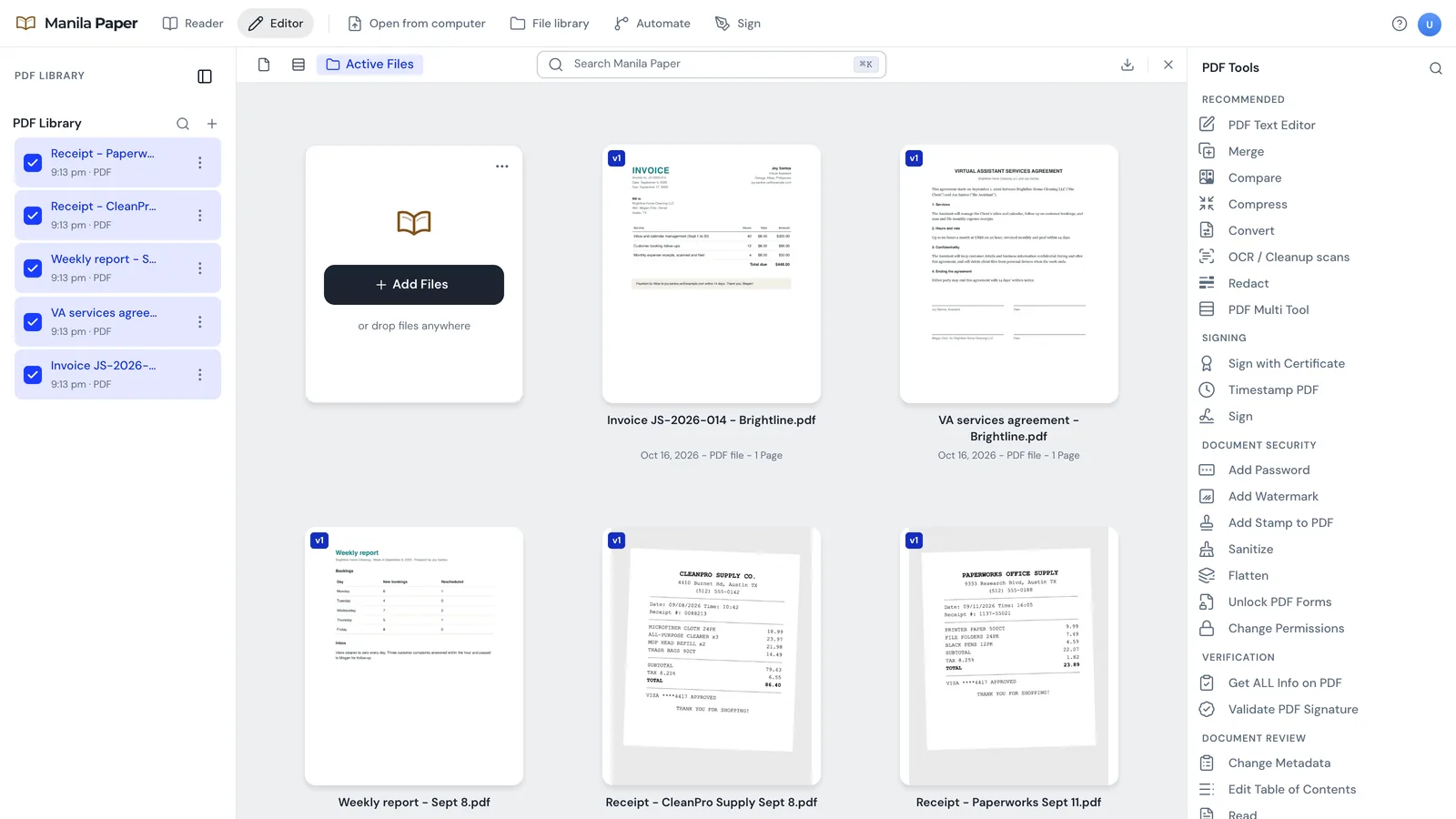
These are the PDF jobs that come up for most VAs, whatever the client does. All of them happen inside the app.
Your client wants the due date moved, or you spotted a typo after you saved the PDF. Click the text, change it, save. Everything else on the page stays where it was.
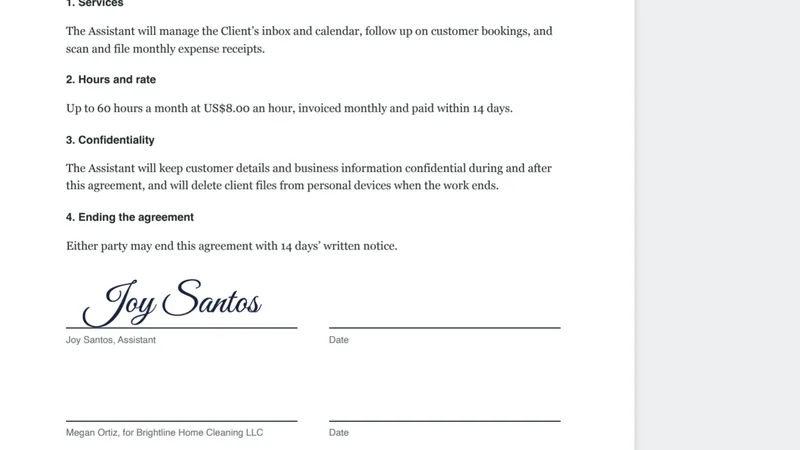
Type your name, draw your signature or upload a photo of it, then drop it on the line. No printing, no scanning, no taking a photo of a signed page.
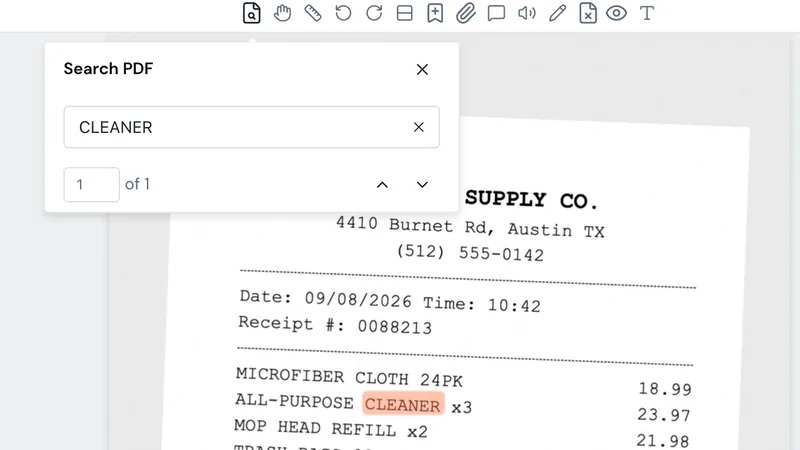
A photo of a receipt is just a picture. Run OCR on it and the words become real text you can search, copy and paste into a spreadsheet.
It reads English, Spanish, Filipino, Chinese (Simplified and Traditional), Vietnamese, Arabic, Korean, Russian, French, Portuguese, Haitian Creole, Hindi and German.
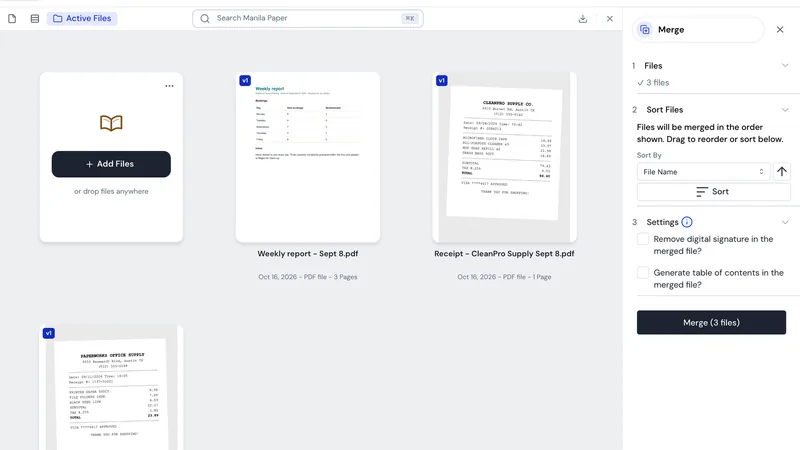
Add the files, drag them into order and merge. Your client gets one PDF instead of five attachments.
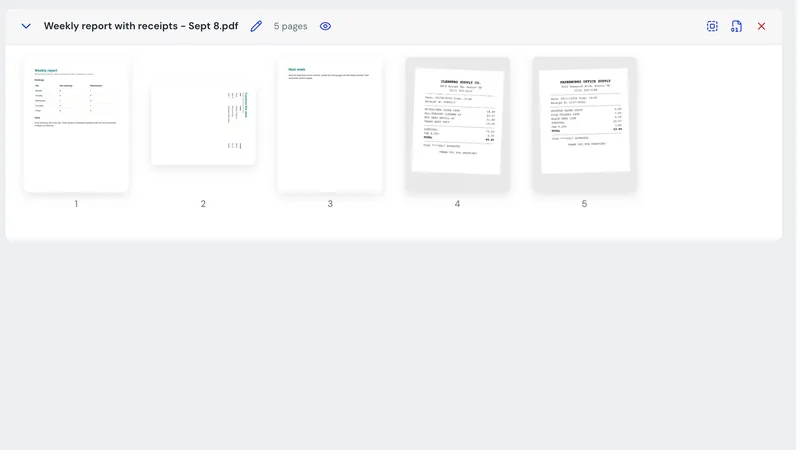
See every page at once. Rotate the one that came in sideways, drag pages into a different order and delete the blank one at the end.
Compress a file that’s too big to email. Split a long PDF into parts. Put a password on a payslip, add page numbers or a watermark, black out details before you share a page, compare two versions of a document, or turn photos into a PDF and back.
The client, the people and the documents in these screenshots are made up.
Free PDF websites ask you to upload the file first. Manila Paper doesn’t. It works on the PDFs already on your computer, goes online only to check your account, and never sends your files with it.
That matters when the PDF is someone else’s invoice, contract or ID. Even so, ask your client before you use a new app on their files. Our client onboarding checklist covers how to have that conversation.
Version 3.3.0. Each download is around 300 MB, so start it on your best connection. If your internet is slow, our guide to working with slow internet has tips for big downloads.
Works on Apple Silicon and Intel Macs.
353 MB
Download for MacFor 64-bit Windows. Pick this one if you are not sure.
301 MB
Download for WindowsOnly if your company’s IT team asked for an MSI installer.
324 MB
Download the MSIBy downloading Manila Paper you agree to our Terms of Use. Our Privacy Policy explains what the app and this page collect.
Every file has a fingerprint called a SHA-256 checksum. If yours matches the one below, the file is exactly what we published. On a Mac, open Terminal and run shasum -a 256 ~/Downloads/manila-paper-3.3.0-mac.dmg. On Windows, open PowerShell and run Get-FileHash $HOME\Downloads\manila-paper-3.3.0-windows-setup.exe. Capital letters don’t matter.
811d96a431840cd627da808e3484ca58a0cb71e2008bd6149f1834424c1022a4  manila-paper-3.3.0-mac.dmg
91519edbdf6c4403f778b4ded6b1c8cd013708a04430ddbcfaef76897a1a9329  manila-paper-3.3.0-windows-setup.exe
49881df604de5e6bcfcf1313b988f88826b94ddd08e3301a60483e31a0f07794  manila-paper-3.3.0-windows.msi
The same list is in SHA256SUMS.txt. Only download Manila Paper from this page. If someone sends you a copy from somewhere else, or asks you to pay for it, it didn’t come from us.
Manila Paper is new, and it isn’t signed with a paid Apple or Microsoft developer certificate yet. So the first time you open it, your computer asks you to confirm. That’s expected, and you only do it once.
When the app opens, create your free account or sign in, and you’re ready.
Before you use it on client work, spend ten minutes with a test file. Make a quick invoice in Google Docs and save it as a PDF, then take a phone photo of any receipt. In Manila Paper, change the date on the invoice, run OCR on the receipt and search it for a word, merge the two files, and sign the invoice. Once that feels easy, you’re set.
Keep the finished file. A tidy invoice and receipt pack makes a good portfolio sample.
Yes. There is no subscription, no trial that runs out and no watermark on your files. You only need a free Next Matter Pro account, which you make inside the app the first time you open it.
No. Manila Paper works on the files on your own computer. It goes online to check your account, and your PDFs are not sent along with it.
Yes, if your client is fine with you working on their files on your computer. Ask before you start, and delete their files when the job ends unless your agreement says otherwise.
Yes. The one exception is OCR, which on an Intel Mac needs Tesseract installed separately. On Apple Silicon Macs and on Windows, OCR is built in.
Not yet. Word and other Office conversions need an extra program that does not come with the app.
Manila Paper is made by Next Matter Pro, the company behind VA Starter Hub. It’s built on an open-source PDF project released under the MIT license, which is credited inside the app. Found a bug or have an idea? Tell us.