

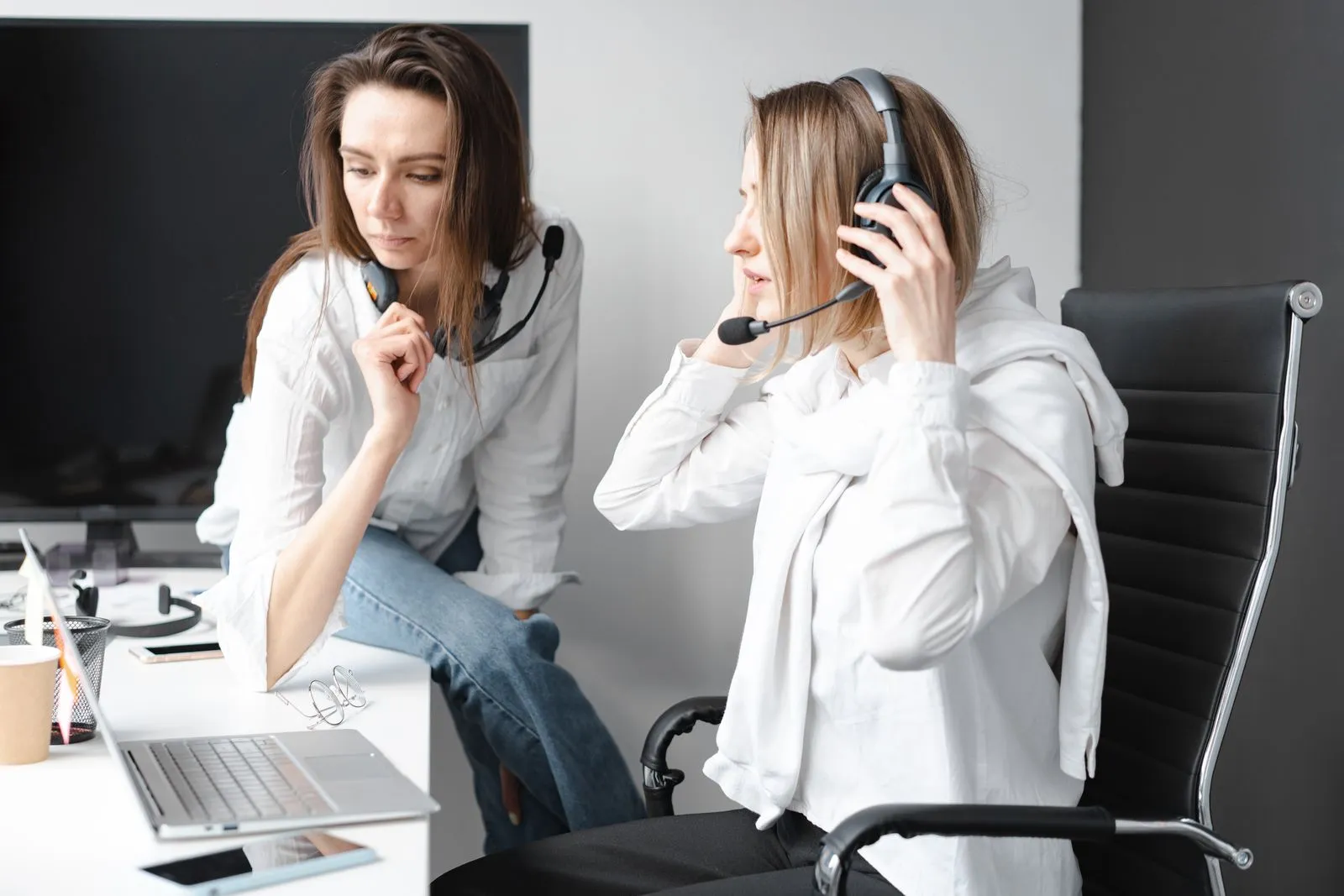
For most VAs working at one desk, the right budget headset is a wired USB headset with a boom microphone, bought from the brand’s official store. As of September 30, 2026, the two best-value choices on Lazada Philippines are the Jabra Evolve 20 (PHP 1,862 from the Jabra store; PHP 1,750 to 2,085 from authorized resellers) and the Poly Blackwire 3220 (PHP 1,773 from the HP Poly store). If PHP 1,800 is too much right now, the Logitech H340 USB (PHP 1,399 from the Logitech store) is a good step down, and the Logitech H111 (PHP 489) works if your laptop has a single combined headphone and mic jack.
Skip Bluetooth as your first and only headset. Ordinary Bluetooth headphones switch to a lower-quality call mode as soon as the microphone turns on, which is why so many people sound fine on music and muffled on Zoom.
September 2026 prices from official stores
Prices below were read from Lazada Philippines search results on September 30, 2026. Where the brand runs its own store, that price comes first. Vouchers and sales change these weekly, so use them as a guide to what is normal, not as quotes.
| Model | Connection | Official store price | Typical range from other sellers | Best for |
|---|---|---|---|---|
| Logitech H111 | Single 3.5 mm plug | PHP 489 | PHP 459 to 529 | Laptops with a combo jack, tightest budget |
| Logitech H151 | Single 3.5 mm plug (with splitter) | PHP 849 | PHP 799 to 1,100 | Same as H111, with in-line volume and mute |
| Logitech H340 | USB-A | PHP 1,399 | PHP 1,250 to 1,418 | Entry USB, no frills |
| Logitech H390 | USB-A or USB-C (separate versions) | PHP 1,575 | PHP 1,449 to 1,999 | USB with in-line controls |
| Poly Blackwire 3220 | USB-C with USB-A adapter | PHP 1,773 | PHP 1,589 to 2,200 | Light, two-ear, call-center build |
| Jabra Evolve 20 | USB-C/A | PHP 1,862 | PHP 1,750 to 2,085 | Best value for all-day calls |
| Jabra Evolve 20 SE | USB-C/A, leatherette cushions | PHP 2,310 | PHP 1,799 to 2,310 | Same, more comfortable cushions |
| EKSA H16 | Bluetooth 5.2 with USB dongle | PHP 2,283 | Few other sellers; buy from EKSA’s store | Cheapest wireless with a dongle |
| Logitech Zone 300 | Bluetooth (multipoint) | PHP 3,899 | PHP 3,650 to 4,295 | Laptop and phone, no dongle |
| Jabra Evolve2 30 SE | USB-C/A | PHP 3,999 to 4,699 | PHP 2,699 to 4,999 | Upgrade after your first client |
Be wary of listings far below these ranges, “new/2nd hand” in the title, or a brand-name product sold by a store whose name has nothing to do with electronics. On September 30, several Jabra Evolve 20 and Poly Blackwire 3220 listings around PHP 1,000 were labeled used, pull-out, or second-hand in the fine print.
USB, 3.5 mm, Bluetooth, or dongle: pick the connection first
| Connection | Good | Bad | Choose it when |
|---|---|---|---|
| Wired USB | No charging, its own sound chip, shows up by name in Zoom and Teams | Uses a port; cable can snag | You work at one desk (most VAs) |
| 3.5 mm single plug | Cheapest, works with phones that still have a jack | Depends on the laptop’s jack quality; desktops with separate pink and green jacks need a splitter | Your laptop has one combined headset jack and budget is tight |
| Bluetooth with USB dongle | Wireless, with a dedicated link to the computer | Needs charging; dongle needs a port and can get lost | You walk around during calls or share one headset between laptop and phone |
| Native Bluetooth | No port used; pairs with phone and laptop | Call quality drops when the mic is on; pairing can fail mid-day | You already own one and need a backup |
Why Bluetooth headphones sound worse on calls
Classic Bluetooth uses one profile for high-quality listening and another, the Hands-Free Profile, for two-way calls. When an app opens the microphone, the headset switches to the call profile, which carries less audio detail in both directions. On Windows you can see this: the headset appears twice in sound settings, once as “Headphones” and once as “Headset”. Microsoft’s Bluetooth audio documentation explains the two modes.
Headsets that come with their own USB dongle, like the EKSA H16, handle this better because the dongle presents itself to the computer as a USB headset. Newer LE Audio hardware on Windows 11 also improves call quality, but only if both your laptop and headset support it, and most budget gear in the Philippines does not yet.
The five headsets worth considering
Jabra Evolve 20: the default pick
A light, two-ear USB headset with a noise-reducing boom mic and an in-line controller with mute. It is designed for all-day contact-center use, so the headband and cushions hold up. The SE version adds leatherette cushions and costs about PHP 450 more; buy it if you wear glasses or work long shifts. Check the variant name: “MS” versions are certified for Microsoft Teams and “UC” for other platforms, but both work in Zoom and Google Meet. Specifications are in Jabra’s tech sheet.
Poly Blackwire 3220: the light alternative
Similar job and price, with a USB-C cable and a tethered USB-A adapter so it works with both older and newer laptops. Its sibling, the Blackwire 3225, adds a 3.5 mm plug for phones and costs more. HP’s Blackwire 3200 specifications list the variants.
Logitech H390 or H340: the cheaper USB options
The H390 has in-line volume and mute and a padded headband. The H340 drops the in-line controls and costs about PHP 175 less. Both are fine for calls; neither has a mic as focused as the Jabra or Poly. The H390 is sold in separate USB-A and USB-C versions, so check your laptop’s ports before you order. Specs: Logitech H390.
Logitech H111 or H151: when PHP 500 to 850 is the budget
Both use a single four-pole 3.5 mm plug for audio and mic. They only work properly in a combined headset jack (one round port with a headset icon), which most laptops have. Desktops with separate pink and green jacks need the H151’s splitter. Sound quality depends partly on your laptop’s jack, so test with a recording before you rely on it.
EKSA H16 or Logitech Zone 300: if you need wireless
The EKSA H16 is the cheapest headset here with its own USB dongle, which avoids most Bluetooth call-quality problems. The Zone 300 has no dongle but connects to a laptop and phone at once (multipoint), useful if clients call your phone. Both need charging; keep a wired headset as a backup for brownout days when you cannot charge.
What “noise canceling” means on a budget headset
Two different features share the name:
- Noise-canceling microphone (ENC): the boom mic is shaped and processed to pick up your voice more than the room. This is what helps your client hear you over a rooster or a tricycle. Every headset in the table has some version of it.
- Active noise cancellation (ANC): electronics that reduce what you hear. None of the budget wired models have it. It helps you concentrate, not the client.
So a “noise canceling” PHP 1,800 headset will make a fan or neighbor quieter for the client, but it will not erase a videoke session next door. The room still matters; the guide to sounding professional on a cheap headset covers mic placement and app settings.
Tests to run before the return window closes
Buy from an official store or LazMall/Shopee Mall seller, note the return period shown on the listing, and do all of this within it.
- Identity check. Compare the model number on the box and the cable with the listing. Look for the brand’s serial number sticker.
- Recorded mic test. Open Windows Sound Recorder (or Zoom: Settings > Audio > Test Mic). Place the mic two finger-widths from the corner of your mouth. Read the same 30-second script with a fan on: “Hi Sarah, this is Ana. I’ve updated the calendar for Tuesday the 14th and sent the invoice for USD 240 to the billing address on file.” Play it back on speakers. You should hear every number clearly and the fan only faintly.
- Zoom test call. Join zoom.us/test, confirm the speaker and mic tests pass, and check that Zoom shows the headset by name.
- Mute button test. Press mute on the cable during a test call and confirm the app shows you muted.
- Two-hour wear test. Wear it for two hours straight, with glasses if you use them. Pressure on the top of your head or behind the ears gets worse, not better.
- Cable and port test. Wiggle the plug gently during a recording. Any crackle means return it.
- Wireless only: walk five meters away and into another room while talking, then run the battery down and time it.
If it fails any of these, return it rather than living with it for months.
Mistakes that waste the budget
- Buying a gaming headset with RGB lights and a big bass sound. Most have mics tuned for game chat, are heavy, and look out of place on a client video call.
- Buying earbuds as your work headset. The mic sits at your ear, not your mouth, so it picks up more room noise.
- Choosing USB-C when your laptop only has USB-A (or the reverse) because the listing photo showed the other version.
- Trusting a 50% “discount” from an unknown seller. Compare against the official store price in the table.
FAQ
Do I need a headset if my laptop has a mic?
Yes, for client calls. Laptop mics pick up keyboard noise, fans, and room echo, and laptop speakers cause echo for the other person. Even the PHP 489 H111 is an improvement.
Is a Jabra Evolve 20 worth PHP 1,300 more than an H111?
For anyone on calls daily, yes. It is more comfortable for long shifts, the USB connection avoids laptop jack noise, and the mic is better at rejecting room noise. For one call a week, the H111 is enough.
What else should I buy for calls?
Usually nothing at first. If your connection is the weak link, see working as a VA with slow internet. For the full beginner kit and what can wait, see the minimum setup guide.
Sources and further reading
- Lazada Philippines search results for each model, read September 30, 2026 (official brand stores: Logitech, Jabra, HP Poly, EKSA Official)
- Jabra Evolve 20 technical specifications
- HP Poly Blackwire 3200 series specifications
- Logitech H390 specifications
- Logitech H151 specifications
- Logitech Zone 300 specifications
- Microsoft: Bluetooth classic audio (A2DP and HFP)
- Microsoft: Check if a Windows 11 device supports Bluetooth LE Audio
- Zoom: Testing computer or device audio
Video references
Watch the workflow
Fees, limits and platform rules change. The date at the top shows when this guide was last updated, and the sources section links to the official pages it relies on. If something has changed, tell us and we will correct it.